.svg)
subdirectory_arrow_right

Alexander Flake
CEO + Co-Founder of Patentext
Alex is the co-founder and CEO of Patentext. He’s spent over a decade drafting patents for startups, unicorns like Uber and Dropbox, and everything in between. When he’s not obsessing over Patentext or running his climate tech-focused IP firm, he’s likely training for a triathlon or chasing a very fast border collie.
Patent proofreading tools do more than just catch typos. These platforms are built to spot the kinds of costly, easily overlooked errors that can slip past even experienced eyes, from incorrect claim dependencies to deviations from USPTO or EPO guidelines.
Naturally, demand is growing. tthe patent proofreading software market is expected to reach $1.8 billion USD by 2032. But with so many options available, it can be difficult to cut through the noise and identify the tools that are actually worth using.
Below, we’ve rounded up the best-reviewed patent proofreading options in 2026 that are trusted by firms, in-house teams, and solo practitioners alike to reduce prosecution delays and avoid rejections.
What are the best-reviewed patent proofreading tools in 2026?
Best-reviewed patent proofreading tools in 2026: a breakdown
ClaimMaster
ClaimMaster has been around since 2008, built by a team that includes a practicing patent attorney and a former USPTO examiner. Based in Bethesda, MD, the company focuses on giving patent professionals robust, locally run tools that integrate directly into Microsoft Word.
At its core, ClaimMaster is a Word add-in purpose-built for patent proofreading. It also includes time-saving extras like shell generation and form automation, but its bread and butter is catching the kinds of technical errors that can slip through even experienced reviewers.
Key features include:
- Claim numbering & dependency checks that flag misnumbered or circular references.
- Antecedent basis detection for missing or inconsistent introductions.
- Spec support analysis to identify claim terms lacking disclosure.
- Part number consistency checks between figures and specs.
- “Patent profanity” detection to catch overly limiting or indefinite language.
- Additional checks for acronym misuse, DOCX compliance, and amendment status mislabels.
Pros
- Confidence for high-stakes filings: Because it runs locally and doesn’t require uploads, it’s well-suited for sensitive applications where confidentiality is non-negotiable.
- No switching between tools: Integrated directly into Word, ClaimMaster fits naturally into existing workflows and reduces context-switching during prosecution.
- Power-user depth: Offers advanced customization and error-checking logic that seasoned practitioners can tailor to their preferences — helpful for firms managing diverse clients or tech categories.
Cons
- Not beginner-friendly: The interface and UX feel dated, and new users may need time to fully unlock its capabilities.
- Strictly desktop-bound: No Mac support or web version means it's incompatible with cloud-first setups.
- Limited free tier: The basic version offers a taste, but full functionality is locked behind the Pro license.
Best for
- Patent professionals who want full control over proofreading in a secure, offline environment.
- Mid-sized and larger teams with existing Microsoft Word-based workflows.
- Power users who want to build out their own templates, form libraries, and QA rules for repeatable, firm-wide standards.
Pricing
Basic individual plan starts at $360/year + ~$300 for Pro-level add-ons
PatentBots
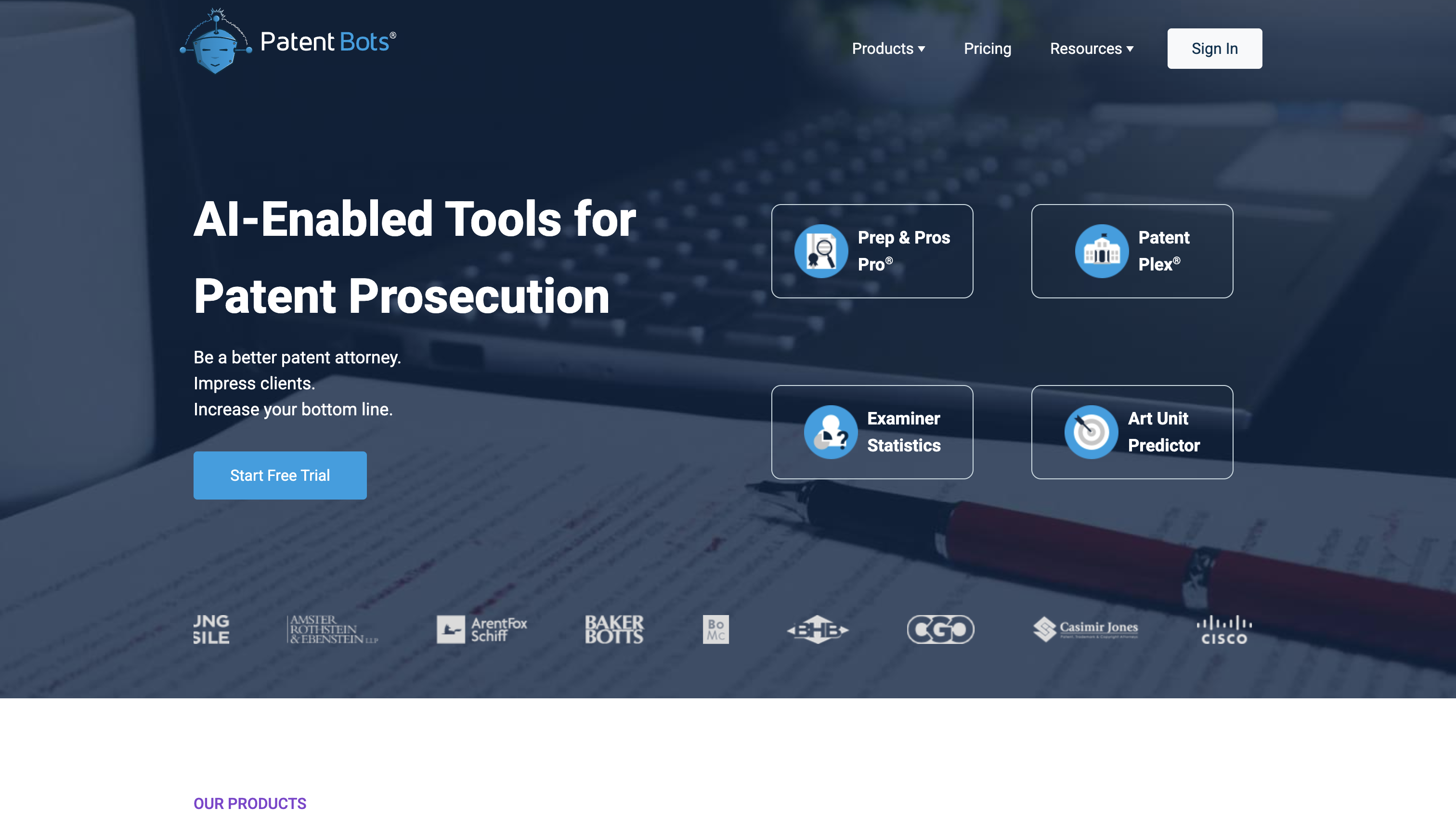
PatentBots was founded in 2018 in Somerville, MA, by a team of technologists and patent professionals. Their goal: modernize patent prosecution workflows using AI and data; not to generate drafts, but to catch errors, reduce risk, and help practitioners work smarter.
Essentially, it’s a cloud-based platform with a Word plug-in that combines proofreading with examiner analytics and prosecution planning. Notable capabilities include:
- Prep & Pros Pro: Checks for claim numbering issues, missing antecedents, unsupported terms, part-number mismatches, and formatting errors.
- Examiner statistics and Art Unit Predictor: Uses USPTO data to surface grant/rejection rates, appeal outcomes, and examiner behavior.
- Live document tracking: Flags reference mismatches in real time as you draft in Word.
Pros
- Designed for speed and usability: Lightweight and easy to navigate, making it accessible even for smaller teams.
- Smart insights, not just redlines: Examiner analytics turn raw data into practical filing strategies.
- Helpful during drafting, not just at the end: The Word plug-in flags issues in real time, not just post hoc.
- Quick setup, no IT lift: No local installation headaches, works across devices.
Cons
- Cloud-only architecture: May be a dealbreaker for firms with strict confidentiality policies.
- Upsells for key features: Examiner stats and advanced analytics may require a separate purchase or plan upgrade.
- No offline option: Internet is required, and files are transmitted off-device.
Best for
- Small to mid-size firms and solo practitioners looking for a modern, AI-assisted proofreading tool.
- Patent professionals who want both quality control and examiner strategy in one platform.
- Teams comfortable with cloud-based tools and are looking to reduce office action risk without disrupting their drafting workflow.
Pricing
Individual license starts at ~$500/year
LexisNexis PatentOptimizer
PatentOptimizer is one of the most established tools in the space, launched by LexisNexis in the early 2000s and developed by patent attorneys specifically for patent attorneys. It remains a go-to solution for large firms and corporate IP teams, especially those already using LexisNexis tools across the patent lifecycle.
PatentOptimizer integrates with Microsoft Word and browsers to provide rule-based analysis of draft applications, helping professionals catch issues that could slow down prosecution or weaken claim scope.
Key features include:
- Antecedent and claim dependency checks to catch misnumbered claims and missing introductions.
- Term support analysis to verify that claim language is properly backed by the spec.
- Part labeling and cross-reference validation across figures and descriptions.
- Automated error reporting and form population, including IDS forms.
- LexisNexis data integration that brings in prior art, claim charts, and terminology tools from their broader ecosystem.
What sets it apart is its tight integration with the full LexisNexis IP suite, allowing users to transition from proofreading to analytics to form generation within a single environment.
Pros
- Trusted by major firms: Widely adopted by global firms and in-house teams with large filing volumes.
- Deep error coverage: Goes beyond basic redlines to flag consistency issues and formatting gaps.
- Streamlines downstream work: Ties into IDS tools, claim chart generators, and portfolio analytics.
- Enterprise-grade training and support: Ideal for legal ops teams needing scalable onboarding.
Cons
- No semantic AI: Misses some nuanced language issues that newer AI tools can detect.
- Heavyweight setup: Requires Word and/or browser plugin installation; not ideal for nimble teams or Mac users.
- Expensive for smaller practices: High cost and subscription model makes it less accessible to solos and boutique firms not already using LexisNexis products.
Best for
- Large law firms and in-house teams already embedded in the LexisNexis ecosystem.
- IP operations teams looking to enforce consistent standards across a high volume of filings.
- Professionals who value tight integration with research, analytics, and form-generation tools in one platform.
Pricing
Custom enterprise pricing only
ANAQUA AQX (proofreading features)

Anaqua has been in the IP game since 2004, best known for building end-to-end systems that help law firms and in-house teams manage large, complex patent portfolios. Its flagship platform, AQX, handles everything from invention disclosures to renewals, and includes built-in proofreading functionality as part of its broader IP operations suite.
AQX doesn’t market a separate proofreading product. Instead, its error-checking capabilities are integrated directly into document workflows, syncing with docketing, analytics, and portfolio management tools.
Key features include:
- Template enforcement and DOCX compliance, ensuring filings align with firm standards automatically.
- Error detection across claims, specs, and figures, including antecedents, broken references, and callout mismatches.
- AI-powered document processing that pulls structured data from PTO forms, IDSes, and correspondence.
- Interactive dashboards that surface filing readiness, error trends, and workflow bottlenecks across the portfolio.
What sets AQX apart is its depth of integration. Proofreading isn’t a one-off task; instead, it’s embedded in how teams manage filings, enforce standards, and scale quality across global IP operations.
Pros
- Firm-wide consistency: Built to enforce internal standards across teams and geographies.
- Proofreading meets ops: Connects directly to docketing, renewals, and portfolio analytics for seamless visibility.
- Auto-ingests PTO docs: Uses AI to eliminate manual entry and reduce data-transfer errors.
- Ideal for big teams: Dashboards and reporting tools make it easy to manage error-prone filings across hundreds of assets.
Cons
- Not built for smaller teams: Licensing and setup are heavy for solo or boutique use.
- Requires full buy-in: Best used as part of the full AQX suite; not ideal as a standalone add-on.
- Learning curve: The interface can feel dense for occasional users or non-ops folks.
Best for
- Large firms and in-house departments managing complex, multi-jurisdictional portfolios.
- Ops-driven teams that need tight control, reporting, and standardization across the patent lifecycle.
- Organizations already using AQX or looking to centralize everything from proofreading to renewals in one system.
Pricing
Custom enterprise pricing only
USPTO Patent Center Pre‑Check
The USPTO’s Patent Center (formerly EFS‑Web) includes a built-in pre-check tool that runs basic validation before an application is officially submitted. It’s not a full-featured proofreading platform (and it’s definitely not flashy), but it plays a crucial role in catching common filing mistakes that could otherwise lead to costly delays.
At its core, the pre-check tool is designed to flag formal compliance issues: things like missing documents, corrupt PDFs, or improperly formatted bibliographic data. It doesn’t dig into claim logic or spec support, but it can save a filing from being bounced on a technicality.
Key checks include:
- Missing or mislabeled sections like the spec, claims, drawings, or abstract.
- Bibliographic and ADS formatting errors.
- File issues, like unreadable PDFs, incorrect fonts, or non-embedded objects.
Pros
- Built-in and free: Every filer uses it, and it costs nothing.
- Catches PTO-specific errors: Flags the kinds of technical mistakes that lead to pre-exam notices or rejections.
- No setup required: Available instantly during every filing through Patent Center.
Cons
- Limited scope: Doesn’t check for claim structure, antecedents, or spec consistency.
- No drafting integration: Errors are flagged after the fact, with no connection to Word or drafting tools.
- Clunky UX: Error messages can be hard to interpret, especially for newer filers.
Best for
- Anyone submitting to the USPTO; it’s an unavoidable (and essential) step in the filing process.
- Practitioners looking for a final-format sanity check before submitting a ready-to-go application.
- Teams that already do internal QA but want to avoid last-minute rejections over formatting or file integrity issues.
Pricing
Free with e-filing
Start with a better draft using Patentext
The tools above are excellent at catching errors (except the Patent Center Pre-check), and for good reason. A well-reviewed patent proofreading tool can save time, prevent office actions, and keep sloppy mistakes from making it into public record.
But proofreading only helps after the hard work is done. If the invention was never structured clearly, if the relationships are fuzzy, or if key embodiments weren’t captured in the first place, even the best error-checker can’t fix that. Most of the real cognitive load in patent drafting happens before words hit the page, including understanding the invention, organizing the logic, and shaping how everything fits together.
Here's where Patentext comes in. Our platform gives practitioners a visual, invention-first workspace that reduces the mental overhead of unpacking complex disclosures. By helping you map components, flows, and variations upfront, it becomes easier to draft cleanly, move faster, and keep every embodiment consistent without juggling it all in your head.
Disclaimer: This article is for informational purposes only and does not constitute legal advice. Patent laws are complex and vary by jurisdiction. For personalized guidance, consult a qualified patent attorney or agent.