Solve Intelligence is one of the more established AI platforms for patent professionals. Its products support patent drafting, prosecution, prior-art work, and other parts of the patent workflow.
That said, it is not the only AI patent drafting tool available. Some Solve Intelligence alternatives are self-serve drafting tools designed for patent attorneys and agents. Others emphasize Microsoft Word integration, patent search, figures, portfolio analytics, or specific drafting tasks. Others take a different approach entirely by combining an end-to-end patent platform with application services delivered by USPTO-registered patent agents.
This guide compares seven alternatives by:
- Intended user
- Core workflow
- Level of drafting control
- Practitioner responsibility
- Breadth of patent capabilities
- Pricing model
- Best-fit use case
The best alternative depends not only on which software features you prefer, but also on whether your organization already has the patent professionals needed to operate the software.
Disclaimer: This guide is based on publicly available information, including company websites, published reviews, press coverage, and product documentation. Features may have been added or changed since this comparison was written; verify current capabilities directly with each vendor.
Looking for drafting software — or a provider that includes the drafting work?
Most Solve Intelligence alternatives are software products for patent attorneys, agents, and internal IP teams. Patentext is different: it gives technical companies an end-to-end patent platform and access to USPTO-registered patent agents who prepare applications.
Explore the Patentext platform · See patent application services
What Solve Intelligence does
Solve Intelligence is an AI platform built primarily for patent attorneys, patent agents, law firms, and in-house IP teams.
Its platform supports multiple parts of patent practice, including invention disclosure review, patent drafting, prosecution work, and related research and analysis. Solve positions its technology as a professional copilot that helps practitioners work more efficiently while retaining control over legal and drafting decisions. Its own content emphasizes tailored workflows for different jurisdictions and technology areas.
Strengths
- Broad support across drafting and prosecution workflows
- Purpose-built tools for patent professionals
- Customization for jurisdictions and technical domains
- Enterprise-oriented security and implementation
- A mature product with significant market visibility
Considerations
- The platform is designed to be operated by patent professionals, so it does not remove the need for qualified practitioners.
- Teams may need onboarding, governance, and review standards before using AI-generated work at scale.
- Prospective customers must request current pricing directly from Solve Intelligence. Based on a NAPP member discount, annual subscriptions appear to cost around $9,300/user/year (~$775/month).
- Organizations seeking only one narrow drafting function may find the platform broader than necessary.
- Companies without an internal patent function may still need a separate law firm, patent agency, or registered practitioner to complete the work.
Solve Intelligence alternatives at a glance
| Platform | Primary user | Core model | Main differentiator | Pricing |
|---|---|---|---|---|
| Patentext | Technical companies building patent portfolios | End-to-end patent platform plus registered patent-agent services | Connects invention identification, evaluation, portfolio management, and professional application drafting | Paid platform plans start at $2,700/year; provisional applications start at $3,600 |
| DeepIP | Patent attorneys, agents, law firms, and in-house IP teams | AI patent software | Microsoft Word integration and broad practitioner workflows | Contact for current pricing |
| Edge | Patent professionals and IP teams | Self-serve AI drafting software | Guided drafting tasks and patent-workflow tools | Contact for current pricing |
| Patently Create | Patent professionals seeking drafting and figure tools | AI drafting platform | Drafting, drawings, and reference-aware workflows | Contact for current pricing |
| Patlytics | In-house teams, law firms, and portfolio owners | Patent intelligence and workflow platform | Analytics, claim charts, infringement analysis, and portfolio intelligence | Contact for current pricing |
| PatentPal | Patent practitioners | Specialized drafting automation | Generates specification content and figures from claims and structured input | Contact for current pricing |
| PowerPatent | Inventors, startups, and small companies | Software and service-supported patent workflow | Combines automation with access to professional review or assistance | Contact for current pricing |
Patentext is not a direct self-serve substitute for Solve Intelligence. It is included because some companies searching for patent drafting software may ultimately need a platform that also includes the registered practitioners responsible for preparing the applications.
Patentext's current public pricing states that platform access starts at $2,700/year. Its published services include a $3,600 provisional application and a $5,700 non-provisional application.
7 best Solve Intelligence alternatives
1. Patentext
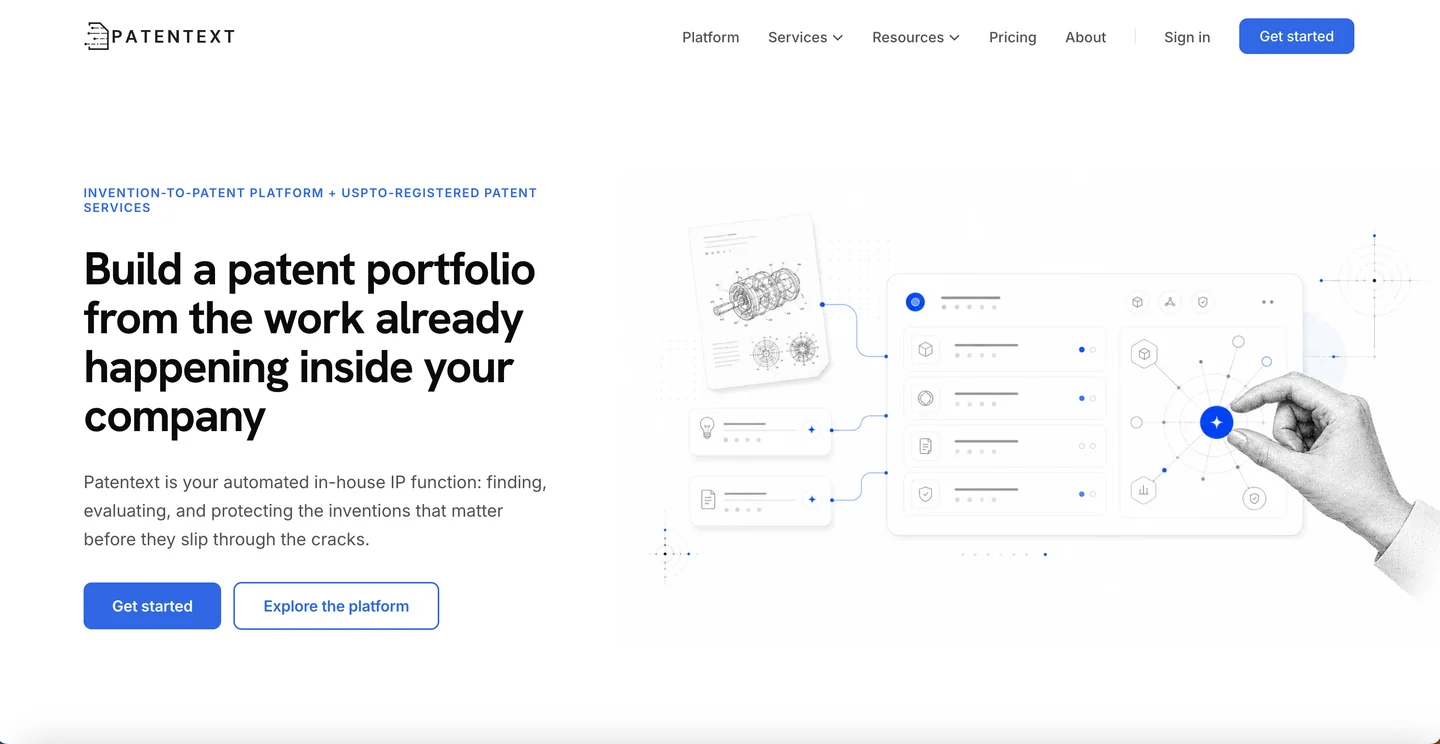
Patentext is an end-to-end patent platform for technical companies that need more than a self-serve drafting tool.
The platform helps teams identify potential patentable work, capture structured invention context, evaluate what is worth protecting, and manage filing and portfolio decisions. When an invention is ready to proceed, USPTO-registered patent agents use the context captured in Patentext to prepare the application.
What makes Patentext different
Most Solve Intelligence alternatives assume a patent attorney or agent will operate the software and remain responsible for drafting the application. Patentext combines the platform and the professional service. Company stakeholders use the platform to manage inventions and filing decisions, while Patentext's registered patent agents perform the application-preparation work.
That makes Patentext an alternative for companies asking: do we need AI drafting software for our patent professionals — or do we need an end-to-end patent workflow that includes the professionals?
Key capabilities
- Identify potential patentable work earlier
- Capture technical context through guided invention disclosures
- Evaluate and prioritize inventions
- Track filing decisions and portfolio status
- Prepare provisional and non-provisional applications through USPTO-registered patent agents
- Support continuations, office action responses, and portfolio review
- Maintain a connected record from invention through application work
Best for
Patentext is best suited for technical companies that are building or formalizing a patent portfolio and do not want to create an internal AI-assisted drafting function. It may be especially relevant when:
- Patentable ideas are scattered across product and engineering work
- The company lacks a repeatable invention-review process
- Inventor intake is inconsistent
- Outside patent work is slow or unpredictable
- The company wants transparent platform and service pricing
- Registered practitioners are needed to prepare the applications
Considerations
- Patentext is not primarily a standalone drafting copilot for law firms or solo patent agents.
- Teams seeking only Microsoft Word assistance, claims generation, or a self-serve drafting interface may prefer a dedicated software platform.
- Buyers should confirm that the desired service type, jurisdiction, and scope are currently available.
Pricing
Patentext offers a free plan, with paid platform plans starting at $2,700/year. Published service prices currently include:
- $3,600 for a provisional patent application
- $5,700 for a non-provisional patent application
- $800 for a continuation application
- $2,750 for an office action response
Explore the Patentext platform · See Patentext patent services
2. DeepIP
DeepIP has raised over $10M in Series A funding and is used by Am Law 100 firms and Fortune 500 companies. It is an AI patent assistant that integrates directly with Microsoft Word, making it one of the most seamless options for attorneys who do not want to leave their existing workflow.
What makes it different: Rather than forcing you into a browser-based editor, DeepIP appears as a sidebar within Word. You get AI assistance for drafting, rewriting, and prosecution tasks without switching platforms or learning a new interface.
Key features:
- Microsoft Word integration (available from Microsoft Marketplace)
- AI-assisted drafting for specifications, claims, and office action responses
- Style-matching AI that learns your firm's templates and tone
- Support for USPTO, EPO, and other major patent offices
Limitations:
- Premium pricing may challenge smaller firms
- Microsoft dependency; limited for non-Office environments
- Learning curve for advanced features
- Works better for software patents than complex mechanical or biotech applications
Pricing: $350/month per user (yearly) or $420/month per user (monthly)
Best for: Mid to large law firms using Microsoft Office who prioritize seamless workflow integration and do not want to learn a new platform.
3. Edge
Edge is an AI-powered patent drafting platform with a strong emphasis on disclosure management and figure editing. It is designed to work across the full invention-to-application workflow, helping teams capture ideas from inventors and convert them into robust applications.
What makes it different: Edge combines drafting capabilities with a patent-focused figure editor and disclosure intake tools. It presents drafting as a set of guided, discrete tasks rather than an open-ended chat interface.
Key features:
- AI drafting for claims, detailed descriptions, backgrounds, and more
- Built-in figure editor with lead lines, reference numbers, and AI-generated flowcharts
- Disclosure management to intake inventor notes and parse content with AI
- Template management and workflow automation
- Multi-language support
Limitations:
- Pricing not publicly available
- May require onboarding for teams new to AI patent tools
Pricing: Contact for pricing
Best for: Patent teams that want a unified tool for disclosure intake, figure creation, and drafting, especially those working with inventors who provide rough notes and need AI help structuring them.
4. Patently Create
Patently Create (part of the Patently platform) is an AI-driven drafting tool that emphasizes a human-led, AI-accelerated approach with a built-in drawings editor. It includes an in-browser drawing editor where you can create, label, and manage figures alongside your specification text.
What makes it different: Patently Create includes AI assistance that extracts and organizes claim features, automates figure referencing, and generates natural language descriptions for each figure. The broader Patently platform also includes search, review, and project management tools, making it a potential all-in-one solution for larger teams.
Key features:
- In-browser text and drawings editor (no Visio or PowerPoint needed)
- AI-generated figure descriptions synced with specification text
- Reference numeral consistency management across figures
- Claim feature extraction and organization
- Integration with Patently's search and analytics tools
Limitations:
- Primarily focused on text and basic flow figures; users may need additional tools for filing-ready patent drawings
- Learning curve if you are only using the drafting module
- Pricing not publicly disclosed
Pricing: Contact for pricing
Best for: Teams looking for an integrated platform that handles search, drafting, and review in one workspace, especially those who value in-browser figure editing.
5. Patlytics
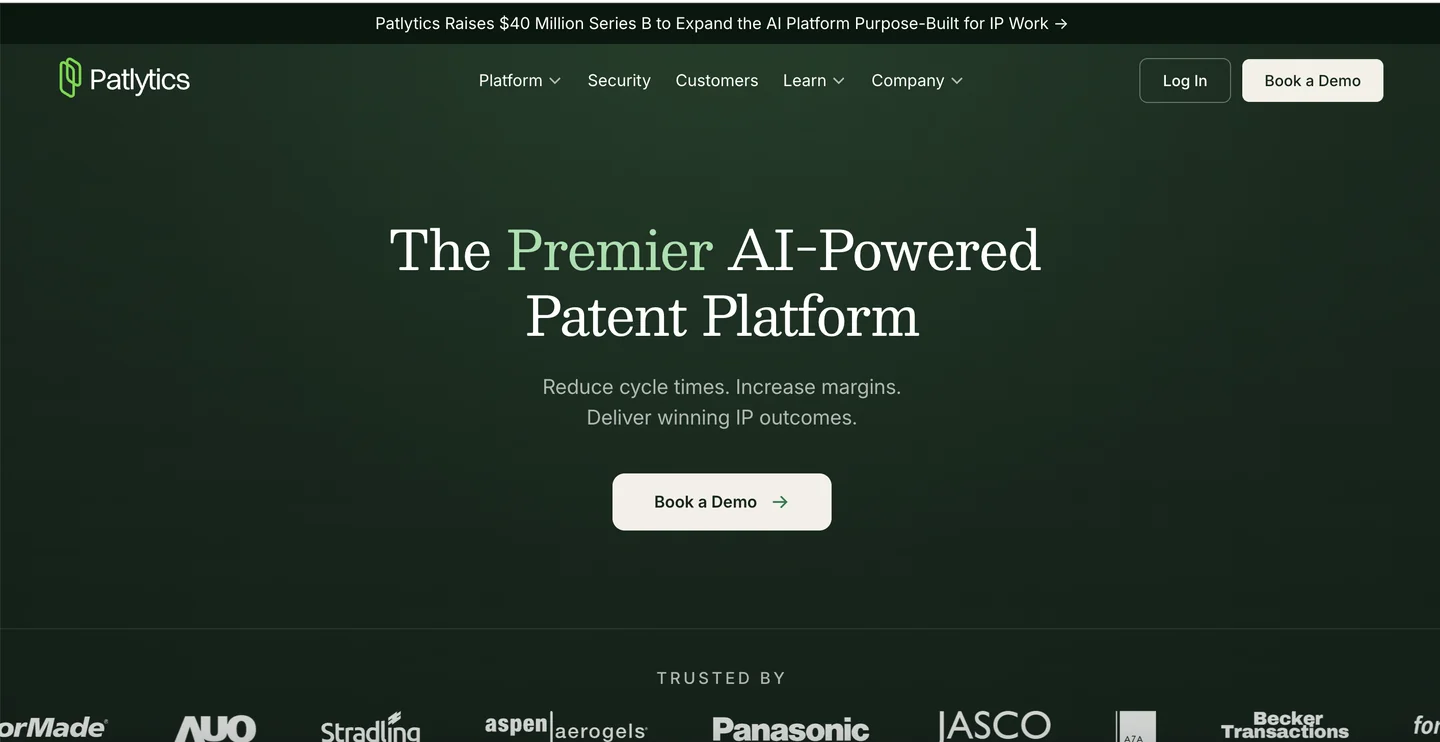
Patlytics is an AI-native patent intelligence platform that goes beyond drafting to cover infringement detection, claim charting, portfolio analysis, and more. It is backed by Google's Gradient Ventures and has raised $21M in funding.
What makes it different: While most tools on this list focus primarily on drafting, Patlytics spans the entire patent lifecycle. Its drafting tools transform invention disclosures into draft applications, but the platform really shines for analytics, infringement analysis, and litigation support.
Key features:
- AI-assisted patent application drafting from disclosures
- Infringement detection and evidence-of-use (EOU) discovery
- Automated claim chart generation
- Portfolio analysis and pruning (identify high/low-value assets)
- SEP (Standard Essential Patent) analysis
- Used by Fortune 500 companies and Am Law 100 firms (Quinn Emanuel, Koch, Google, Xerox)
Limitations:
- Built for larger teams and portfolios; may be overkill for solo practitioners
- Pricing reflects enterprise positioning (tiered subscriptions)
- Drafting is one of many features, not the sole focus
Pricing: Tiered subscriptions with enterprise licenses; contact for quotes
Best for: IP teams and law firms that need an integrated AI platform for drafting, portfolio management, claim charting, and litigation support, not just a drafting tool.
6. PatentPal
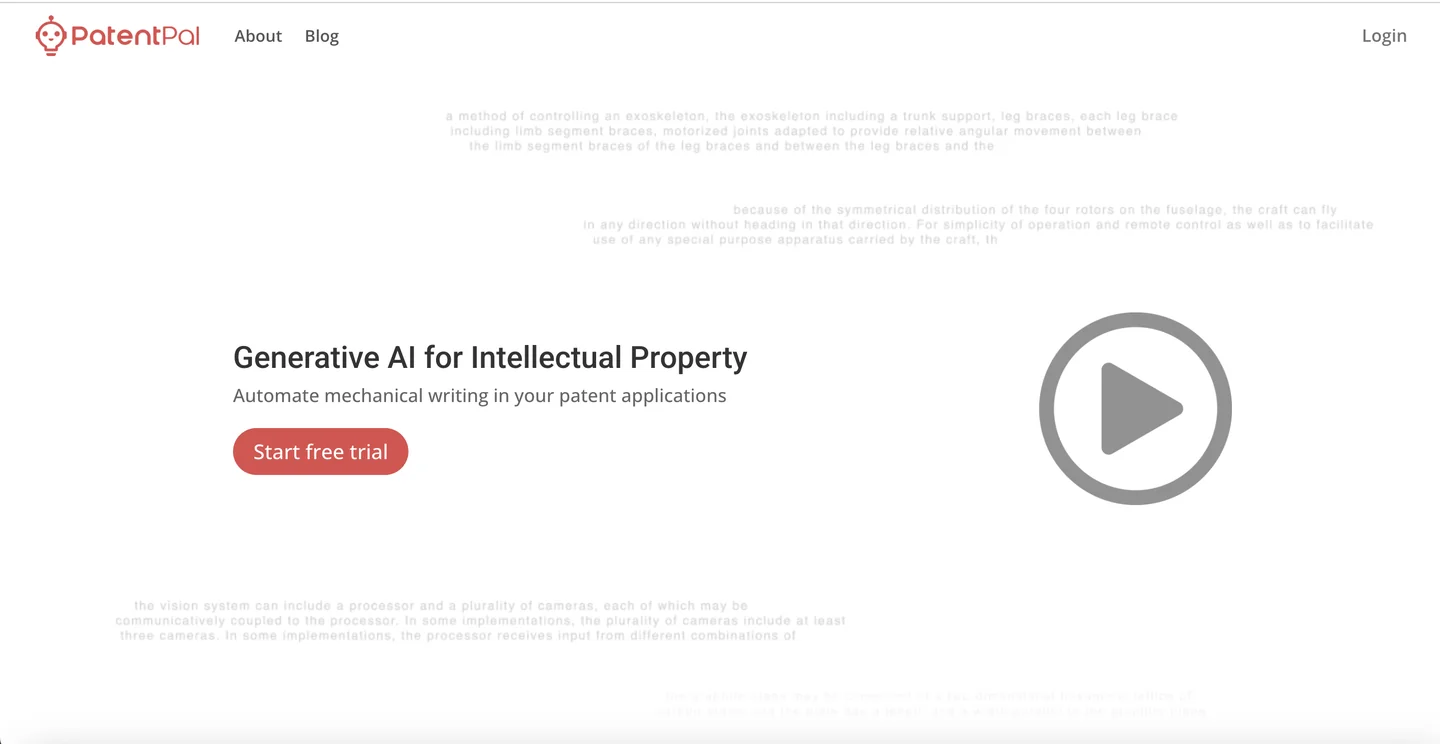
PatentPal is a specialized AI tool focused on turning claims into specifications and figures. It takes a "reverse-engineer from claims" approach: you input your claims, and the platform generates specifications, flowcharts, block diagrams, and figure descriptions. It is less about full-application drafting and more about accelerating the claim-to-spec bottleneck.
What makes it different: Users can customize generated phrases according to their preferences with real-time updates across the specification. Exports integrate directly into Word, Visio, or PowerPoint.
Key features:
- Fast claim-to-spec generation
- Automatic flowcharts for methods and block diagrams for systems/devices
- Customizable language with firm-specific phrase matching
- Easy export to Word and Visio/PowerPoint
- Multiple profile support for different clients or styles
Limitations:
- Not a full drafting platform; focused specifically on claim-to-spec generation
- Learning curve for customizing phrase preferences
- May need other tools for disclosure intake, prosecution, or portfolio management
Pricing: Contact for pricing
Best for: Solo practitioners or small firms looking for speed on claim-to-spec drafting, especially those who want a lightweight tool rather than a full platform.
7. PowerPatent

PowerPatent combines AI drafting with human oversight, positioning itself as a more accessible option for startups and individual inventors. AI handles the drafting automation, but the workflow is designed to include human review. The platform auto-generates backgrounds, summaries, and detailed descriptions from claims and figure annotations, and flags Section 112 issues and claim support problems during drafting.
Key features:
- AI-powered first draft generation from claims and figures
- Automatic background and summary drafting
- Section 112 and claim support checking
- Cloud-based collaboration for teams
- Pricing models oriented toward outcomes rather than billable hours
Limitations:
- Target market (startups, solo inventors) may mean less robust enterprise features
- Quality varies based on invention complexity
Pricing: Custom quotes; positioned as cost-effective compared to traditional law firm fees
Best for: Early-stage startups and solo inventors looking for an accessible entry point to AI patent drafting, especially those who plan to have a practitioner review the output before filing.
Software is only one part of the buying decision
When comparing Solve Intelligence alternatives, it helps to separate three different needs.
1. Practitioner software
Your organization already has patent attorneys or agents. You want AI to make them faster or improve specific workflows.
Likely fits: Solve Intelligence · DeepIP · Edge · Patently Create · PatentPal
2. Patent intelligence and portfolio software
Your priority is search, analytics, competitive intelligence, claim mapping, or portfolio management.
Likely fit: Patlytics · Some Solve Intelligence modules
3. An end-to-end platform plus patent services
Your company needs a process for identifying and managing inventions as well as registered practitioners to prepare the applications.
Likely fit: Patentext · Other service-enabled patent platforms, depending on scope
Which Solve Intelligence alternative should you choose?
Start with who will own the patent work.
Choose Patentext when:
- You are a technical company rather than a patent practice.
- You need a repeatable process for finding, evaluating, and managing inventions.
- You do not have an internal patent drafting team.
- You want registered patent agents to prepare and file applications.
- You prefer transparent platform and flat-fee service pricing.
Choose DeepIP when:
- Your patent attorneys or agents want AI assistance inside Microsoft Word.
- You want a broad practitioner platform spanning drafting and related patent work.
- Your organization already has established patent-review and filing processes.
Choose Edge when:
- You want a guided, self-serve drafting environment.
- Your practitioner prefers discrete drafting tasks and direct editing control.
- You already have the expertise to review and complete the application.
Choose Patently Create when:
- Drafting and patent figures are both important to your workflow.
- You want a browser-based environment that connects written content and visual elements.
Choose Patlytics when:
- Patent intelligence, portfolio analysis, claim charts, and enforcement-related work matter as much as drafting.
- You are managing a larger portfolio or complex competitive landscape.
Choose PatentPal when:
- You already have claims or structured input.
- You primarily want to accelerate specification text, descriptions, and diagrams.
Choose PowerPatent when:
- You are an inventor or smaller company seeking a more guided or service-supported route.
- You want assistance beyond a pure practitioner software license.
Frequently asked questions
Is Solve Intelligence the best AI patent drafting tool?
Solve Intelligence is one of the broadest AI platforms built for patent professionals, but the best choice depends on who will operate the system and which part of the patent workflow needs improvement. Patent professionals seeking self-serve drafting or prosecution software may compare Solve Intelligence with DeepIP, Edge, Patently Create, or PatentPal.
Technical companies that also need registered practitioners to prepare applications may be comparing a different model altogether, such as Patentext's end-to-end patent platform and services.
How much does Solve Intelligence cost?
Solve Intelligence does not publish pricing. You will need to request a demo for a quote. Based on a NAPP member discount, annual subscriptions appear to cost around $9,300/user/year (~$775/month). For a five-person team, that is approximately $46,500 per year.
Is Patentext a direct Solve Intelligence competitor?
Solve Intelligence primarily sells AI software to patent professionals. Patentext gives technical companies an end-to-end patent platform and access to USPTO-registered patent agents who prepare applications. The products overlap around AI-enabled patent workflows, but they assume different users and different ownership of the final work.
Can a company use AI patent software without a patent attorney or agent?
A company can use software to organize technical information or generate draft material, but AI software does not remove the need for qualified professional judgment. Before choosing a self-serve platform, determine who will develop the filing strategy, review the claims and specification, address legal issues, and take responsibility for preparing and filing the application.
Which Solve Intelligence alternative is best for startups?
That depends on the startup's internal capabilities. A startup with experienced in-house counsel or a retained patent practitioner may benefit from software such as DeepIP, Edge, or another drafting platform. A startup without an internal patent function may be better served by a model that combines invention workflow software with registered patent-agent services, such as Patentext.
Final thoughts: Choosing a Solve Intelligence alternative
Solve Intelligence alternatives now span several different categories. Some are direct drafting competitors built for patent attorneys and agents. Some specialize in Word integration, figures, claim-to-specification automation, search, or portfolio intelligence. Others take a broader approach to how companies identify inventions and move them into professionally prepared applications.
For patent professionals, the decision may come down to workflow fit:
- Do you want to work in Microsoft Word?
- Do you prefer a browser-based drafting environment?
- Do you need figures, prosecution, or portfolio analytics?
- How much control do you want over prompting and generated content?
For technical companies, the more important question may be: do we already have the patent professionals and internal process needed to use drafting software effectively?
Patentext is designed for companies whose answer is no — or not yet. Its end-to-end patent platform helps teams identify, capture, evaluate, and manage inventions, while USPTO-registered patent agents prepare applications when work is ready to move forward. That makes Patentext less of a direct substitute for Solve Intelligence and more of an alternative way to operate the patent process.
Explore the Patentext platform · See patent application services
Disclaimer: This article is for informational purposes only and does not constitute legal advice. Patent laws are complex and vary by jurisdiction. For personalized guidance, consult a qualified patent attorney or agent.